
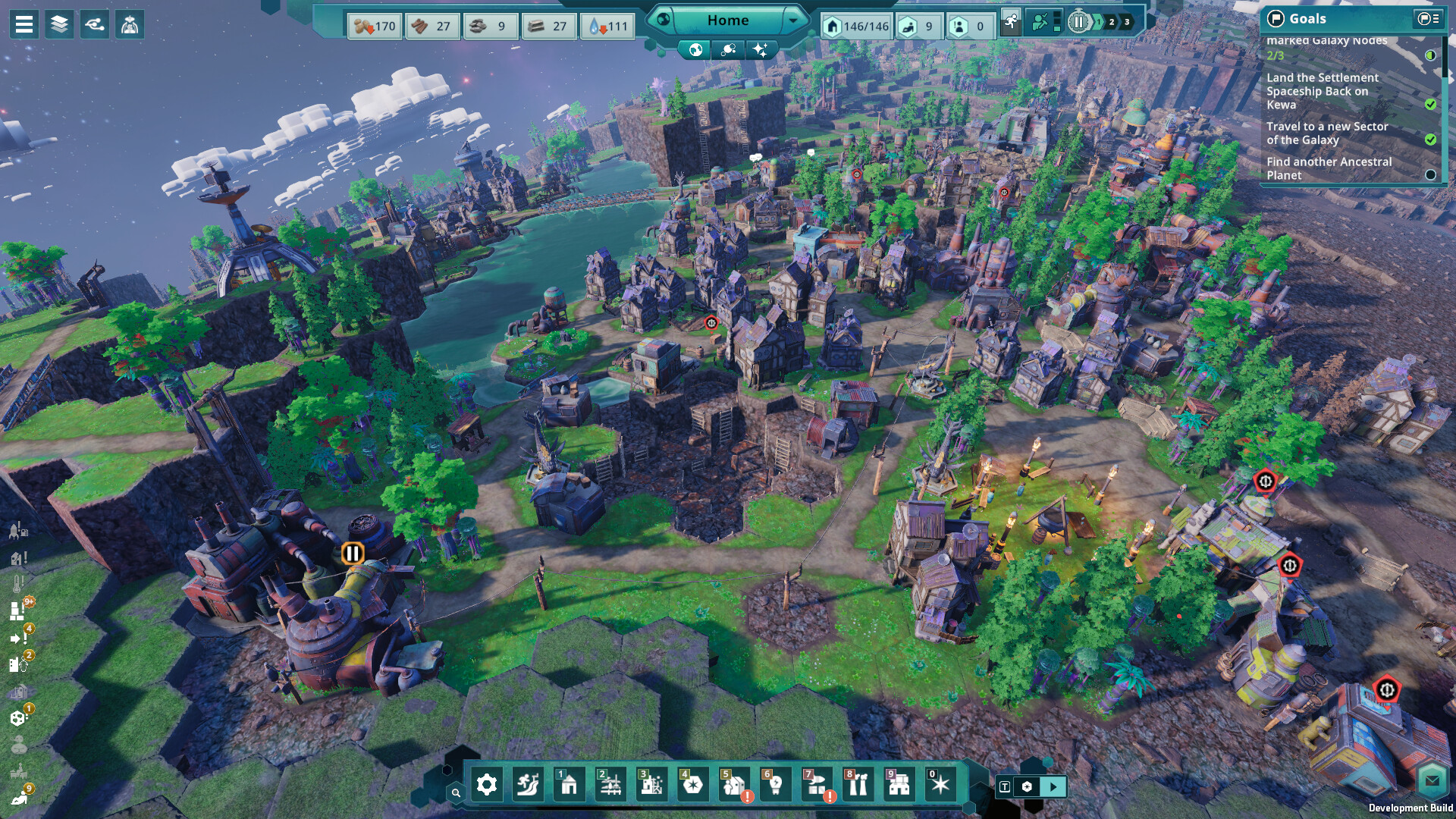
What Valve’s test found
Steam’s compatibility report puts the game in the Playable category. Valve notes that the default controller configuration is not fully functional, on-screen glyphs do not match the Deck’s buttons, and some text is hard to read. Text fields also need the on-screen keyboard to be opened manually.
On the positive side, Valve records that the default graphics configuration performs well on the Deck. Playable means the game works but needs a little extra effort. Verified would mean full controller support and readable text out of the box.
Controls on a handheld
Beyond These Stars is built around a mouse, and Steam lists a mouse-only option among its features. On the Deck, the right trackpad works as a mouse and the touchscreen handles menu taps. Community controller layouts in Steam can fill gaps in the default one.
To name a save, open the on-screen keyboard with the Steam button and X. Binding that shortcut to a back button helps if you type often. The game is pausable, so there is no pressure to act quickly with imperfect controls.
Making text readable
Steam lists Adjustable Text Size among the game’s accessibility features. Raise it in the settings before a long session on the Deck’s small screen. Contrast controls and camera comfort options are listed too.
Moving saves between PC and Deck
Steam Cloud is supported, so a settlement started on a desktop continues on the Deck. Let the sync finish before closing the game on either device. Update first, because Hotfix #3 fixed a bug that could permanently block a Kewa conversation.
Battery and performance
Valve’s test found the default configuration performant. Large settlements are heavier than early ones, so a lower frame-rate limit can extend battery life without hurting a slow-paced builder. The free demo lets you check how it feels on your Deck before buying.
Sources & research scope
Game information on this page comes from the sources recorded in the dated research. Publisher-hosted wiki entries are community-maintained, and review judgments remain attributed to their writers. Planning advice applies those documented systems and does not claim personal playtesting.
- Beyond These Stars on SteamSteam Deck rating Playable and accessibility features; checked October 18, 2026.
- Hotfix #3 on SteamKewa conversation, world generation and other fixes; October 18, 2026.